
Live video preview / sensor data widget
Two widgets in both bottom corners are designed to display the following data:
- Camera live video feed;
- Map view;
- Attached sensor data;
- The latest log messages received from SkyHub.
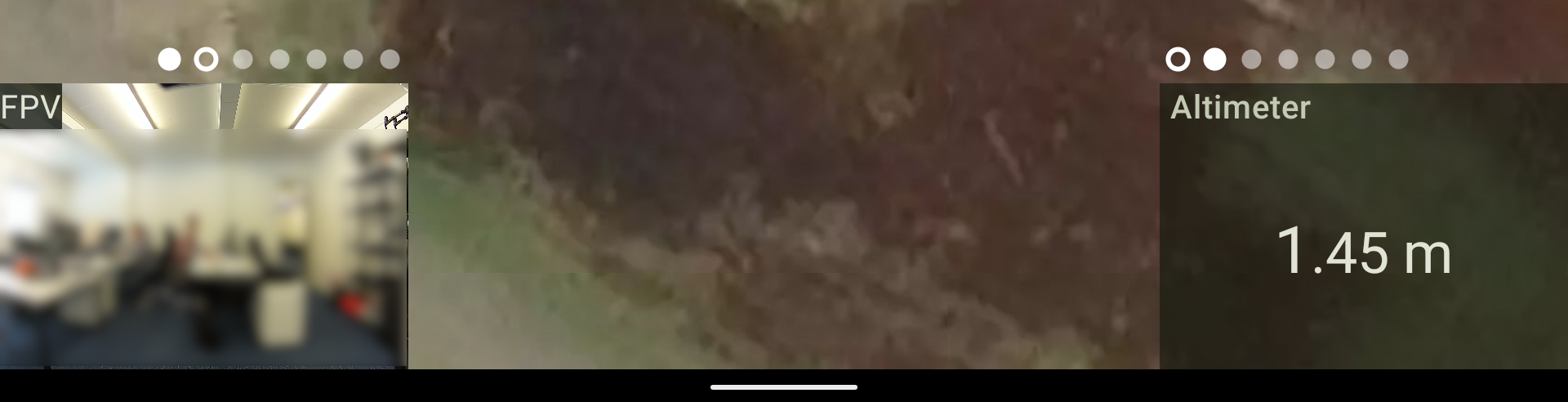
Swiping each widget left and right allows switching between data sources. It allows configuring the UI to your needs.
Tapping the Camera live video feed swaps it with the map displayed on the main screen and vice versa.
NOTE: Swiping doesn't work if the CPM is not launched and the data isn't coming.
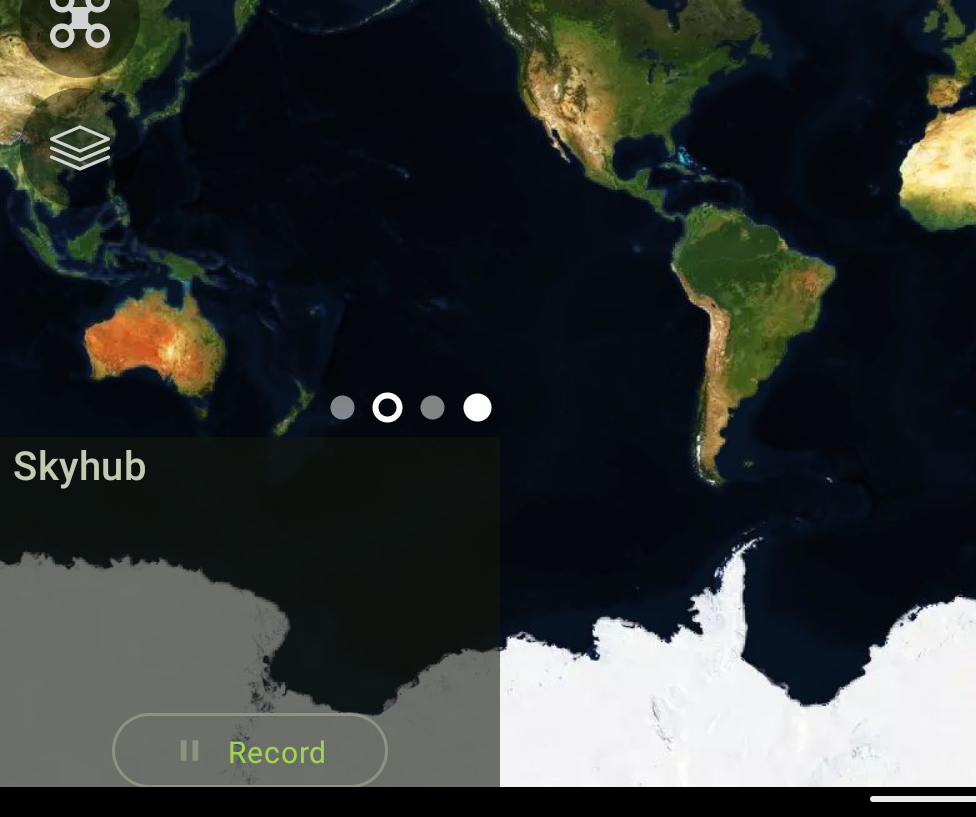
Skyhub log message widget
The Skyhub log message widget also allows starting data recording from the UgCS Companion:
Updated 9 months ago
Did this page help you?