Menu
To open the menu tap the three stripes icon at the top right corner:
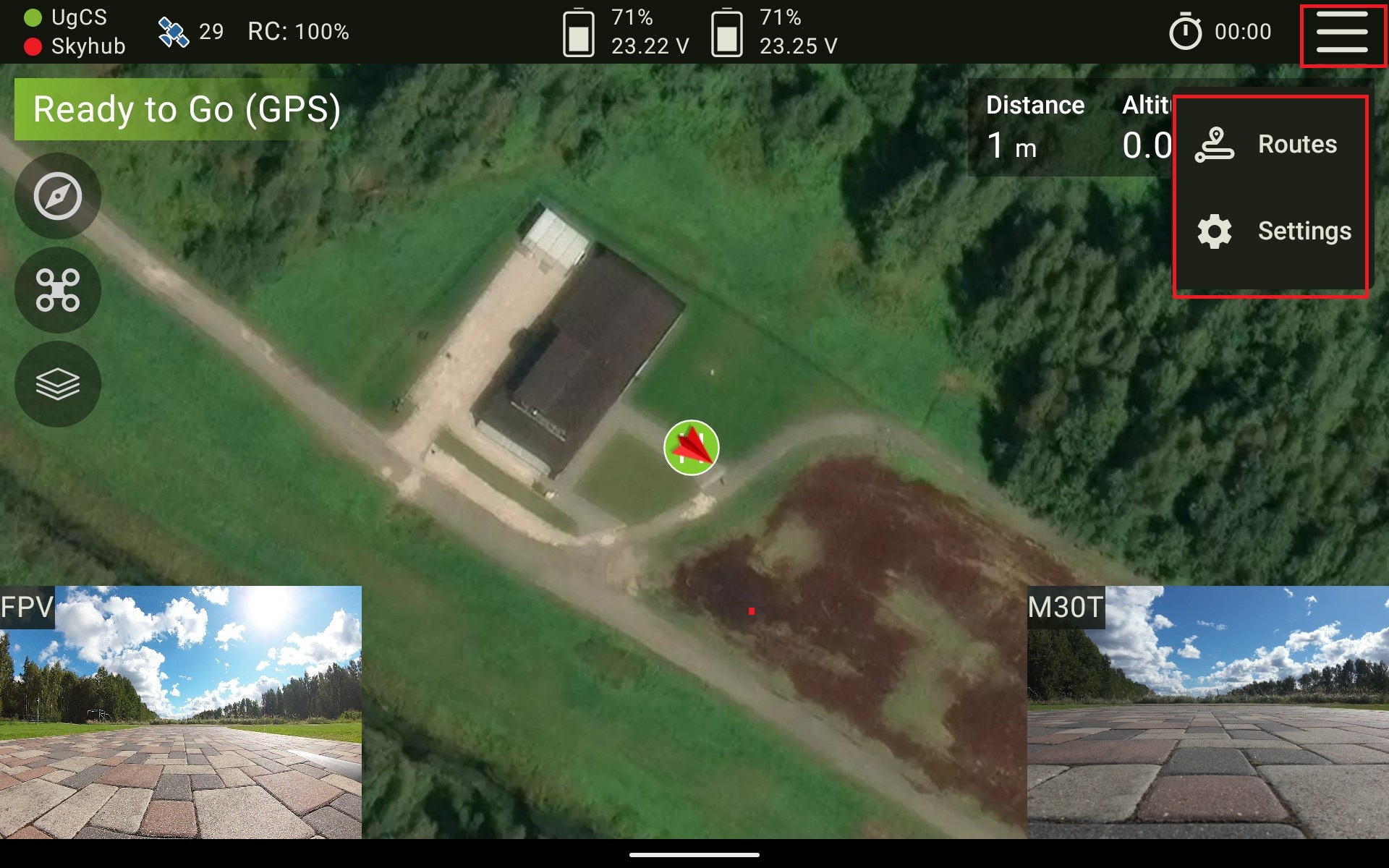
The settings menu consists of four tabs:
- RTK - RTK settings;
- UAV - Allows you to enable the Smart-Return-To-Home feature, set battery limits and set Obstacle Avoidance parameters;
- Audio - Allows you to control audio notifications;
- Stream - Allows you to configure settings for live video streaming to the desctop device;
- Other - Allows you to set up diagnostics parameters, check UgCS login credentials and enable the Experimental features.
- About - General information about the app.
Updated about 1 month ago
Did this page help you?