
RTK
This section allows:
- Switching between RTK modes;
- Setting up the network configuration;
- Reviewing the current RTK status.
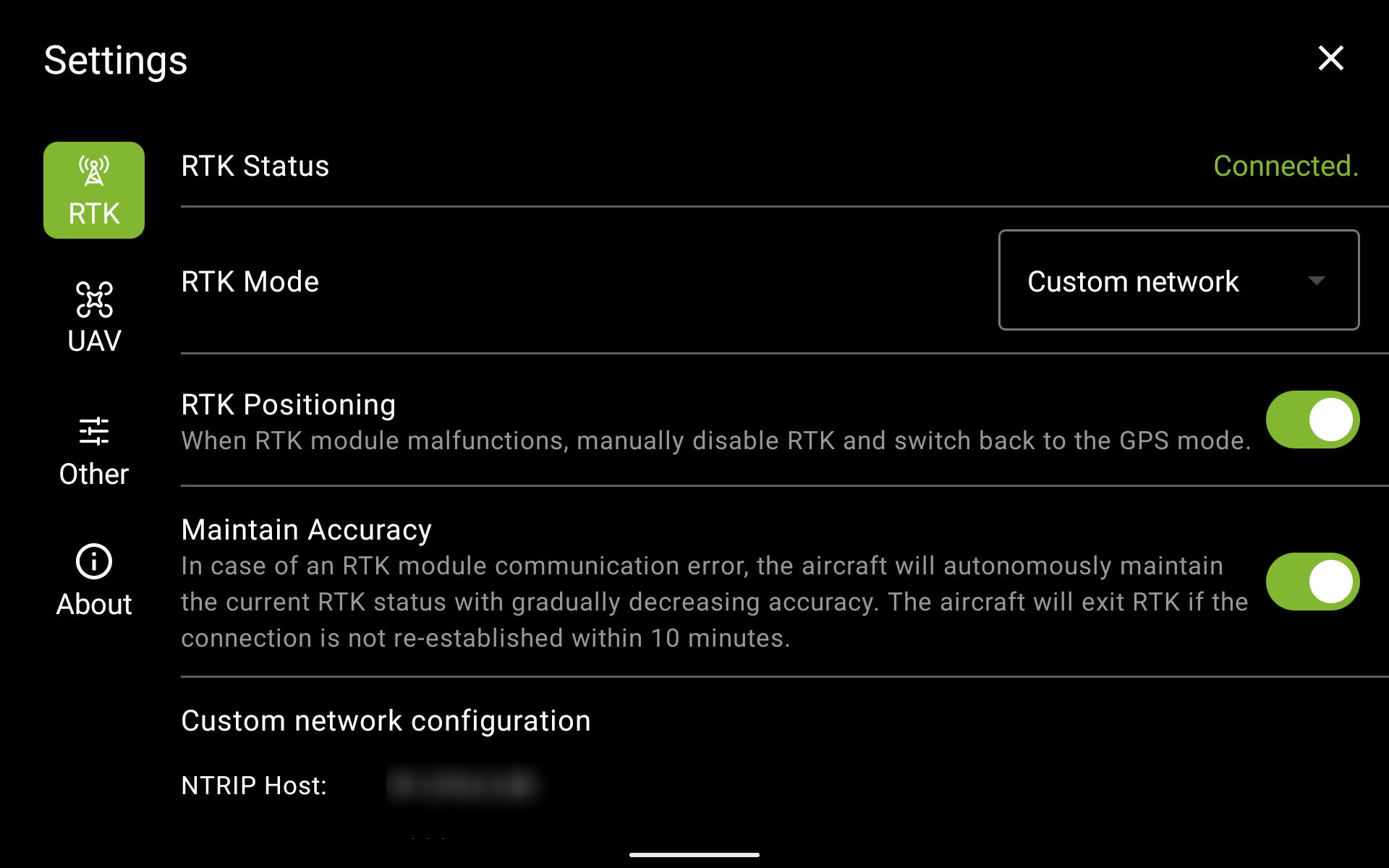
NOTE: If you are planning to use the RTK mode that is not available in the drop-down list, set it up and enable it in the DJI Pilot 2. The drone will still receive the RTK corrections and they will be reflected in the UgCS Companion.
To check the RTK status, return to the main screen. The RTK status is represented by one of the following icons in the top left corner:

RTK disabled, the satellite icon with satellite count is displayed.
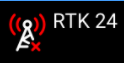
RTK enabled, base station not connected.
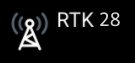
RTK enabled, base station connected, RTK data not used.
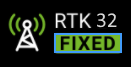
RTK enabled, RTK data is used for positioning (RTK FIX)
Updated 23 days ago
Did this page help you?